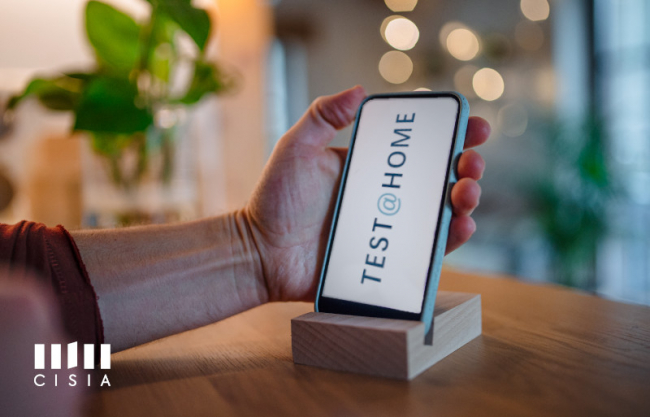

Practice with CEnT-S: Simulations Available in the Practice Area
How to take a simulation:
- log in to the portal with your credentials
- click on SIMULAZIONI DEI TEST
- open the SIMULAZIONI DEI TEST drop-down menu and scroll down
- select CEnT-S to start practicing.
Simulations allow you to:
- get familiar with the structure and duration of the test
- check your knowledge
- prepare effectively for test day.
For those taking a CEnT-S@HOME, remotely, the simulations also help test the laptop settings before the day of the test.
Get started now: practice with CEnT-S today!
Visit our website for more information about CEnT-S.